 baseofui
Files
Put the file in their hands.
Give each client a place for their files and share a link when something is ready.
Explore a sample folderFollow a file to its folder.
Choose a client folder and a file, then see the share link appear.
Files
Tap a file to share it with the selected client.
Family portal
The Garcia family · shared with you
- Nothing shared yet.
Recognise the right copy.
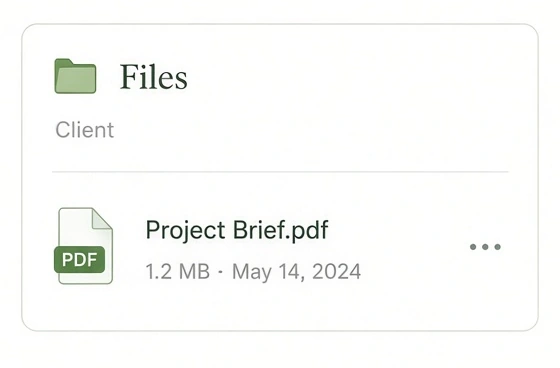
The client folder keeps the project brief with its file size and revision date.
Explore the Files workspace
Hand over the right document.
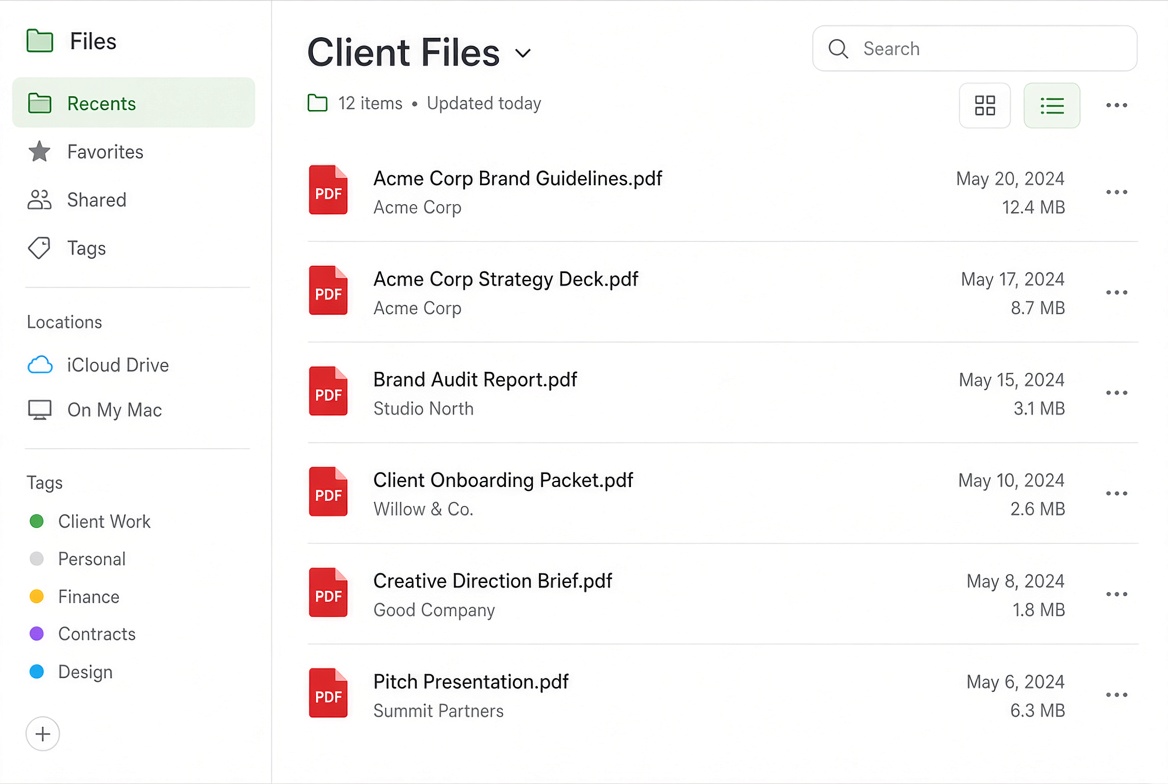
- Open the client folder
Find the brief, proposal and delivery documents together.
- Check the revision
Review the file details before choosing the client copy.
- Share with context
Keep the selected document tied to the client it belongs to.