 baseofui
Quick Lister
Keep the supply shelf stocked.
Match stock on the shelf with team requests and supplier deliveries. See a shortage before the supplies are needed.
Check a sample inventoryWhat needs reordering?
Select a supply to see its stock and dated supply plan. Try moving the paper delivery ahead of the front desk request.
Print room inventory
3 items at or below reorder level
| Item | On hand | Reorder at |
|---|---|---|
| reams | 2Low stock | 4 |
| rolls | 3Low stock | 3 |
| cartridges | 0Out of stock | 1 |
Add inventory item
A4 paper
2 reams on hand
Supply plan · A4 paper
Sample review · Nov 24, 2026
Short by 3 on Nov 26, 2026 · reams
| Date | Expected in | Needed | Projected balance |
|---|---|---|---|
| Nov 24, 2026 | 0 | 0 | 2 |
| Nov 26, 2026 | 0 | 5 | -3 |
| Nov 27, 2026 | 6 | 0 | 3 |
Starts with 2 reams on hand. Expected deliveries count before same-day requests. Overdue orders count once their ETA is revised or stock arrives.
Provisioning requests
Due Nov 26, 2026 · 0 of 5 issued
New stock request
Purchase orders
On order · 0 of 6 received
Supplier ETA Nov 27, 2026 · 6 outstanding
Manage PO-101
New purchase order
Catch the next shortage.
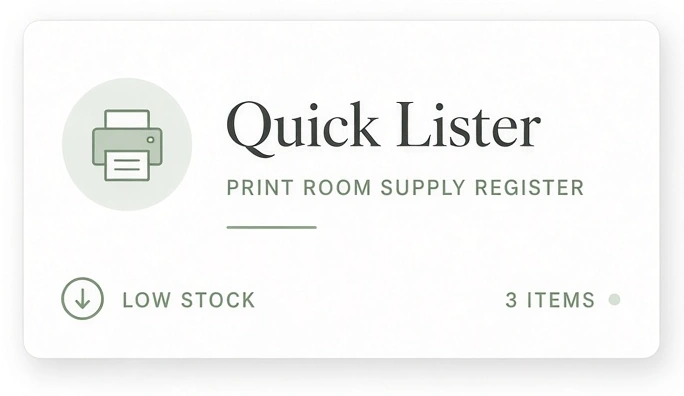
The print room register flags three supplies running low. Each item is at or below its reorder level.
Explore the Quick Lister workspace
Catch the shortage early.
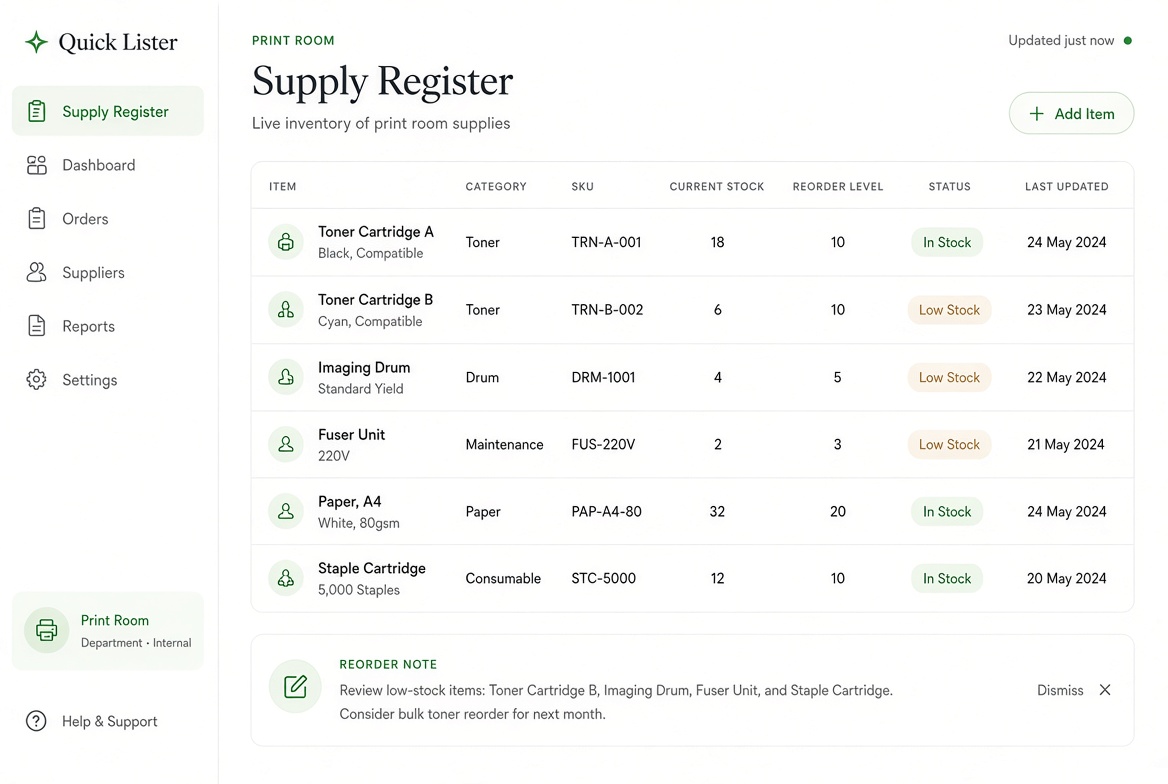
- Register the supplies
Keep paper, toner and spare parts on one list.
- Spot low stock
Compare the quantity on hand with its reorder level.
- Prepare the order
Use the flagged items to decide what to buy next.